
How Cockpit connects your money, work and life, keeps it private, and puts an assistant on top that actually knows your context.
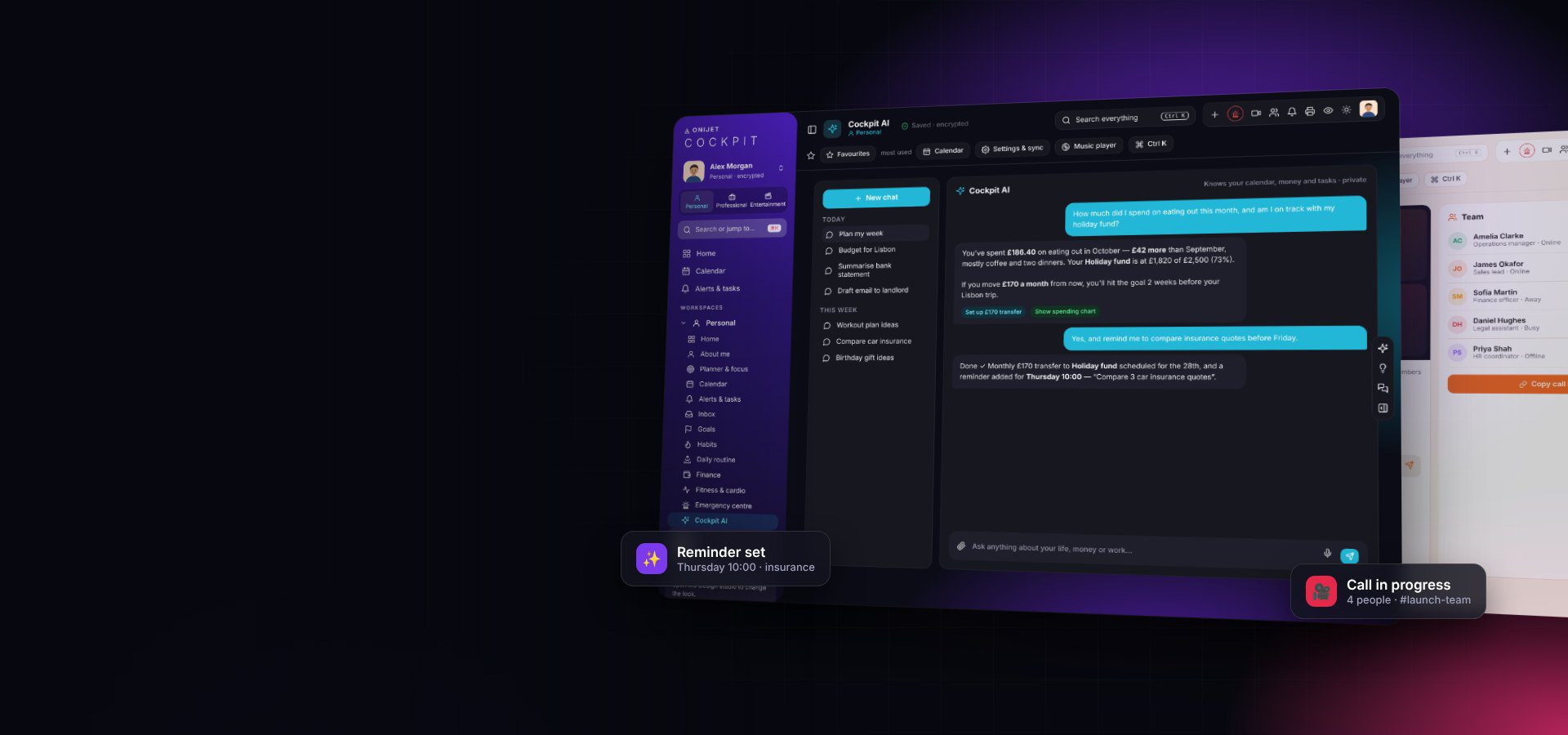
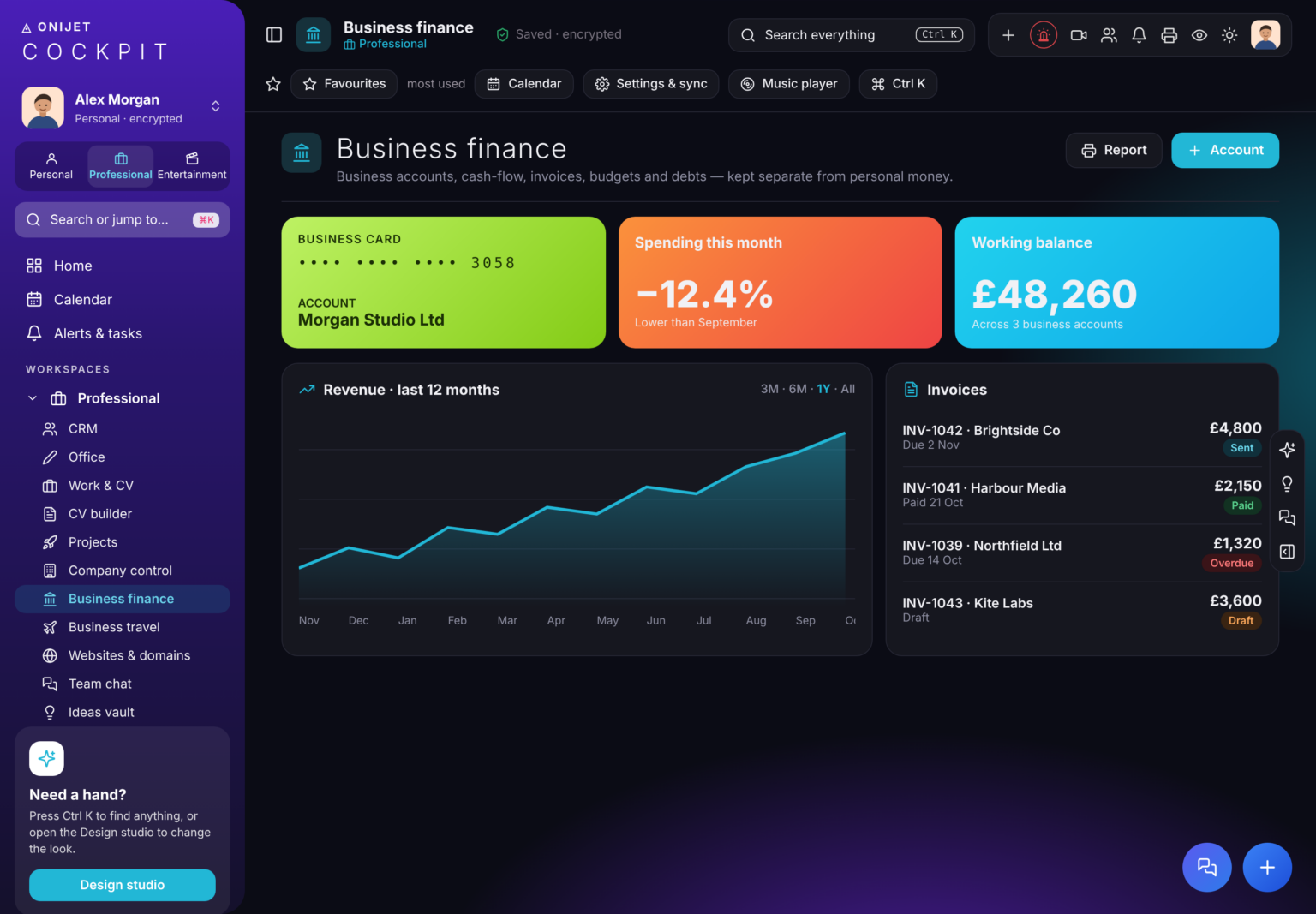
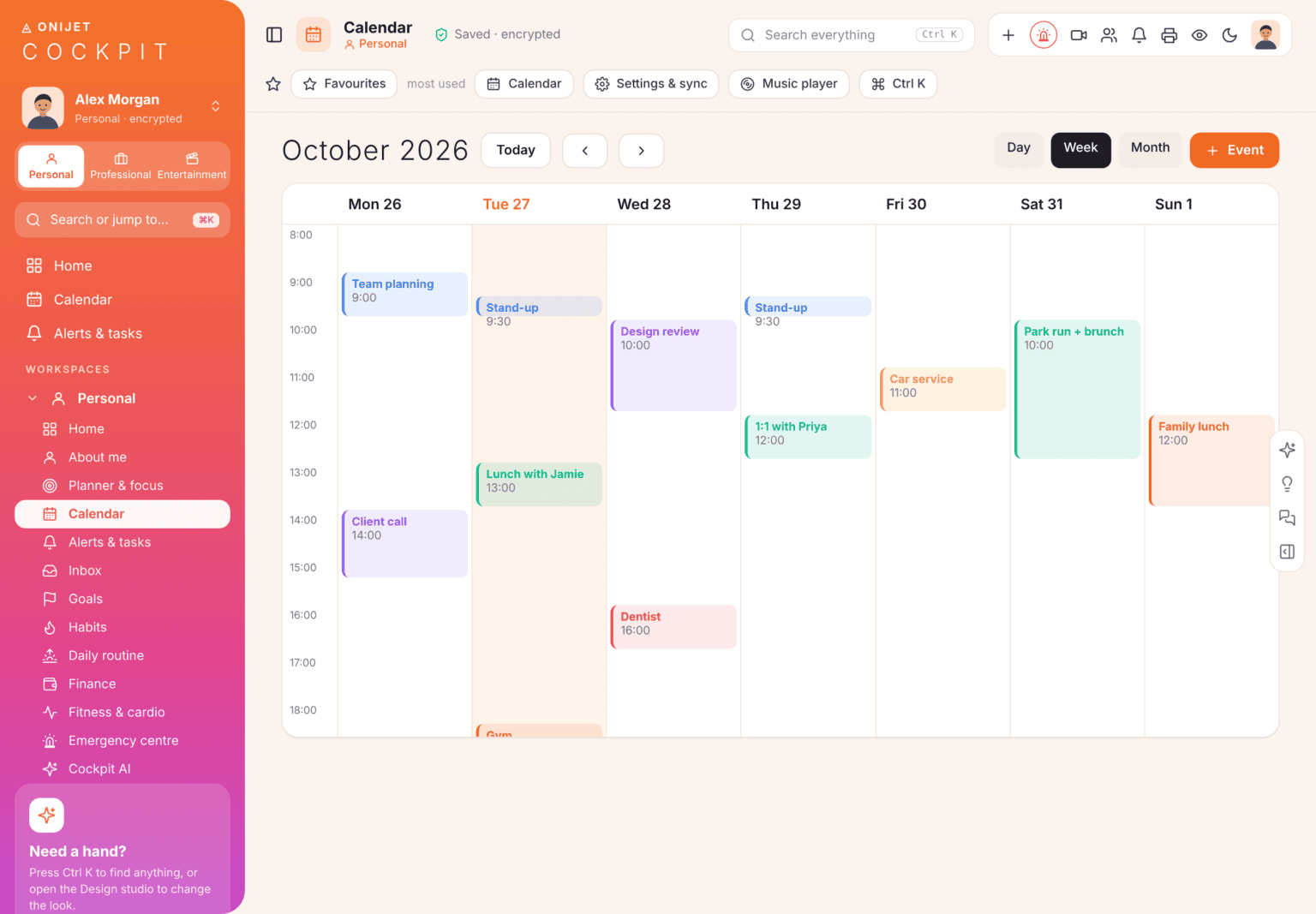
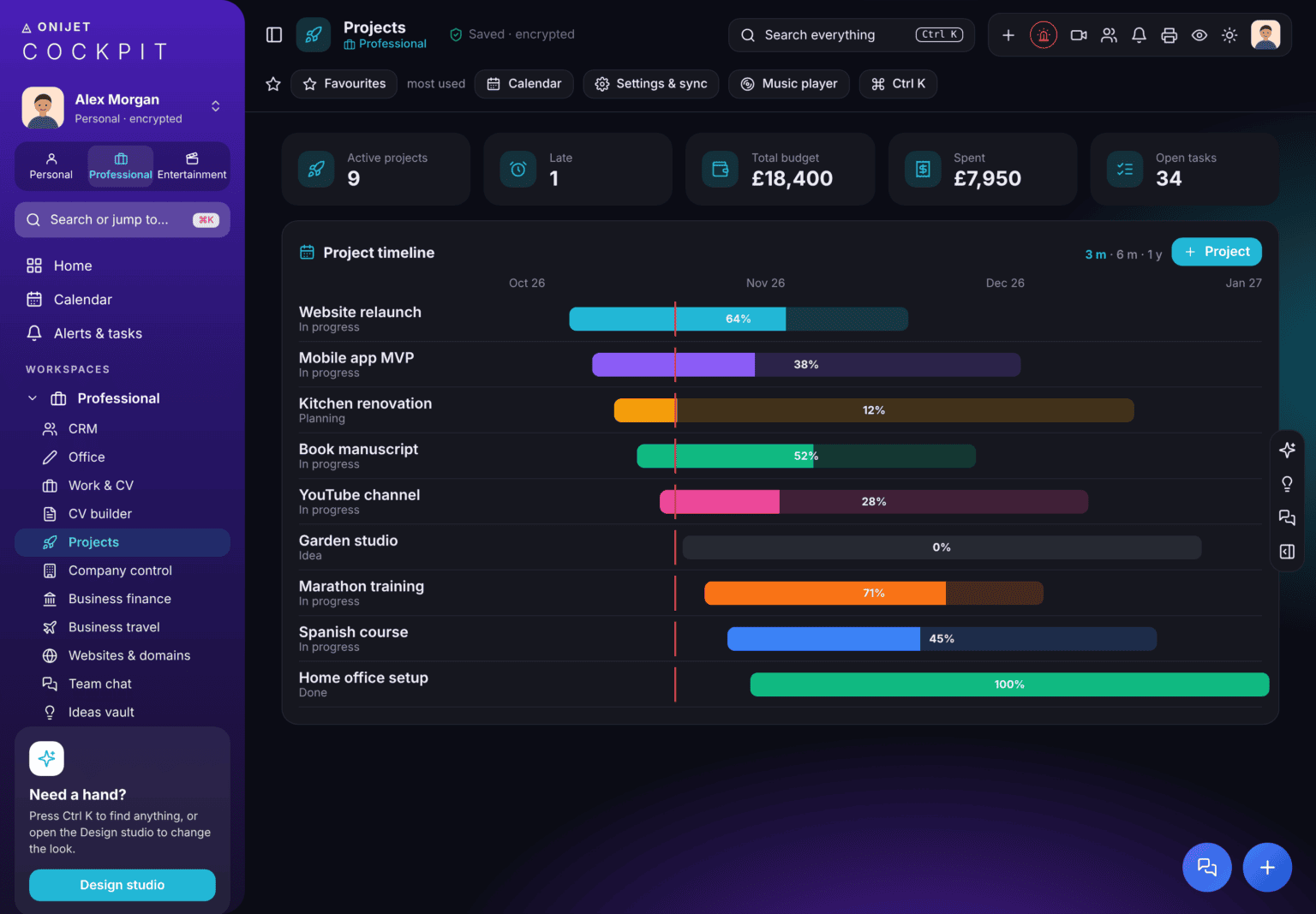
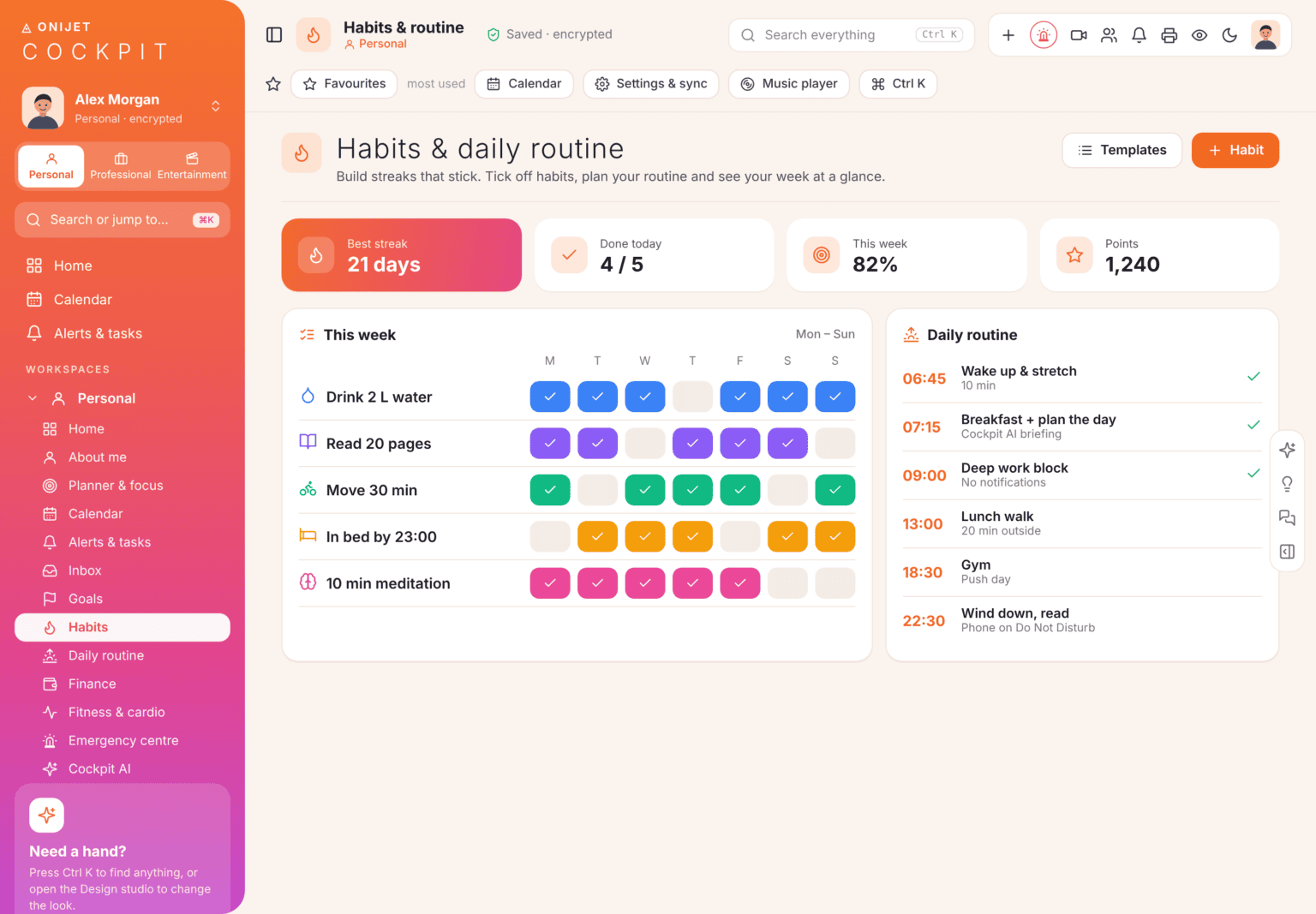
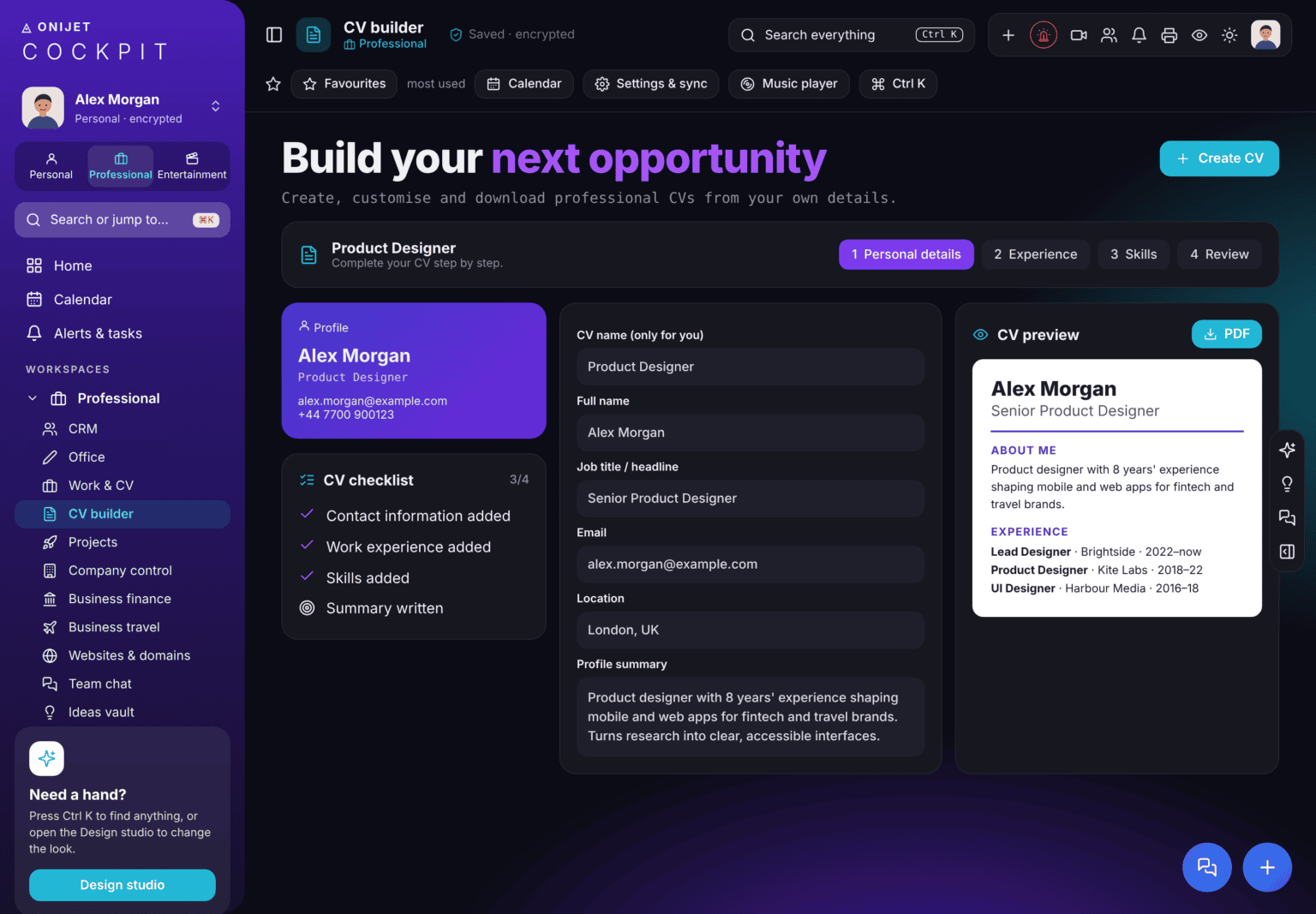
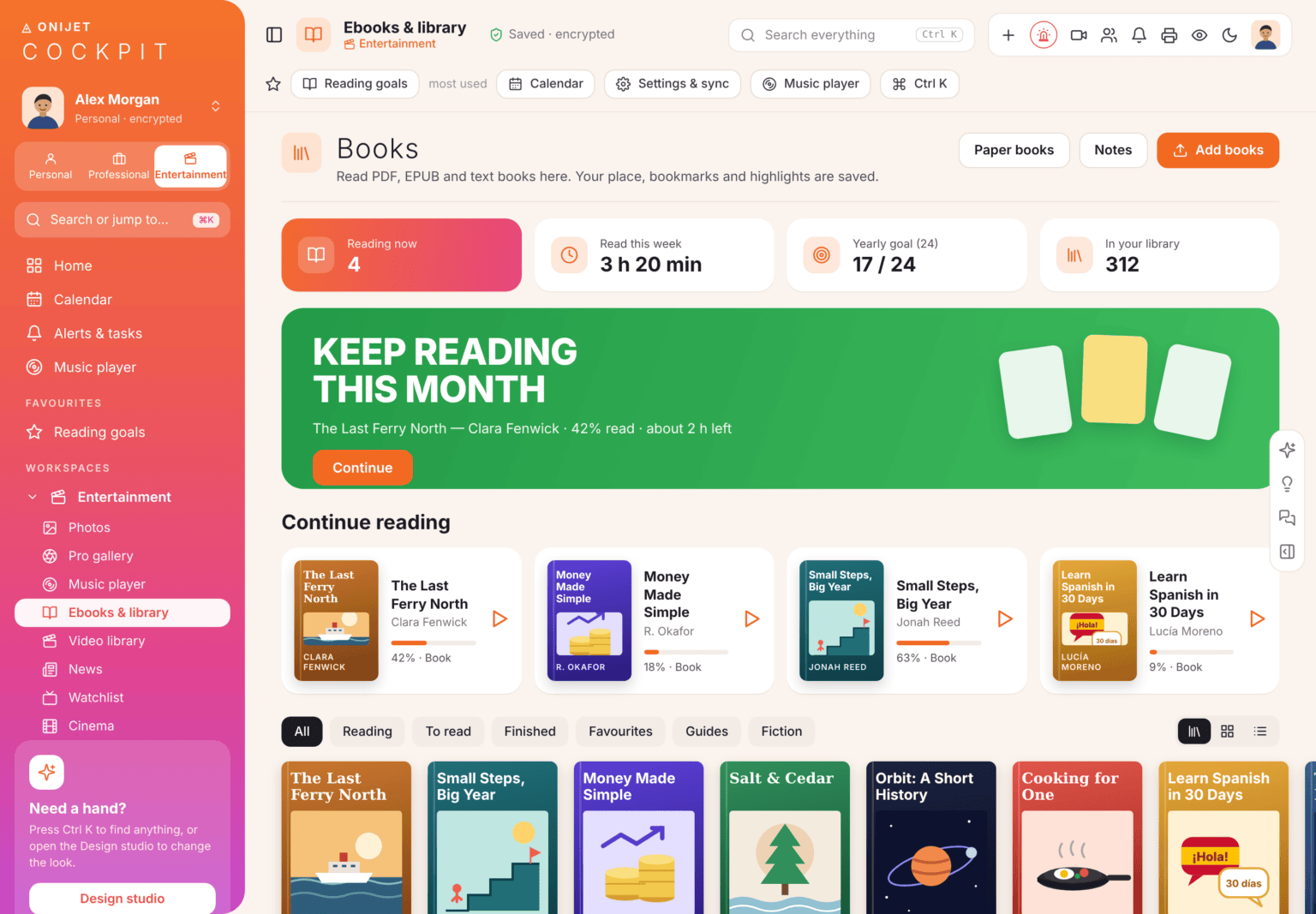
Responsive web app for desktop, tablet and phone, with light and dark themes and three workspaces.
Cockpit AI assistant, the Brain knowledge graph, insights, risk scoring and automations.
Team chat, video calls with screen share, sharing and permissions.
Encrypted storage for your entries, synced across your devices, with import and export.
Encryption by default, section lock, per-person access, and Onijet’s privacy-first approach.
A linked map of everything you save. People, files, events and money connect automatically, and Cockpit spots duplicates and gaps.
Risk scores and patterns across your records surface what needs attention, with a suggested next step.
“When a bill is due, remind me 3 days before.” Build rules in plain English.
Track any situation as a numbered case with people, actions, deadlines, a timeline and a report.
Ctrl K finds any entry, page or person across every workspace, and adds new items too.
Pull in live data and connect other services, so your dashboard stays current.
Print or export clean reports for finance, cases, projects and more.
Change colours, menus and widgets, and switch light and dark themes per workspace.
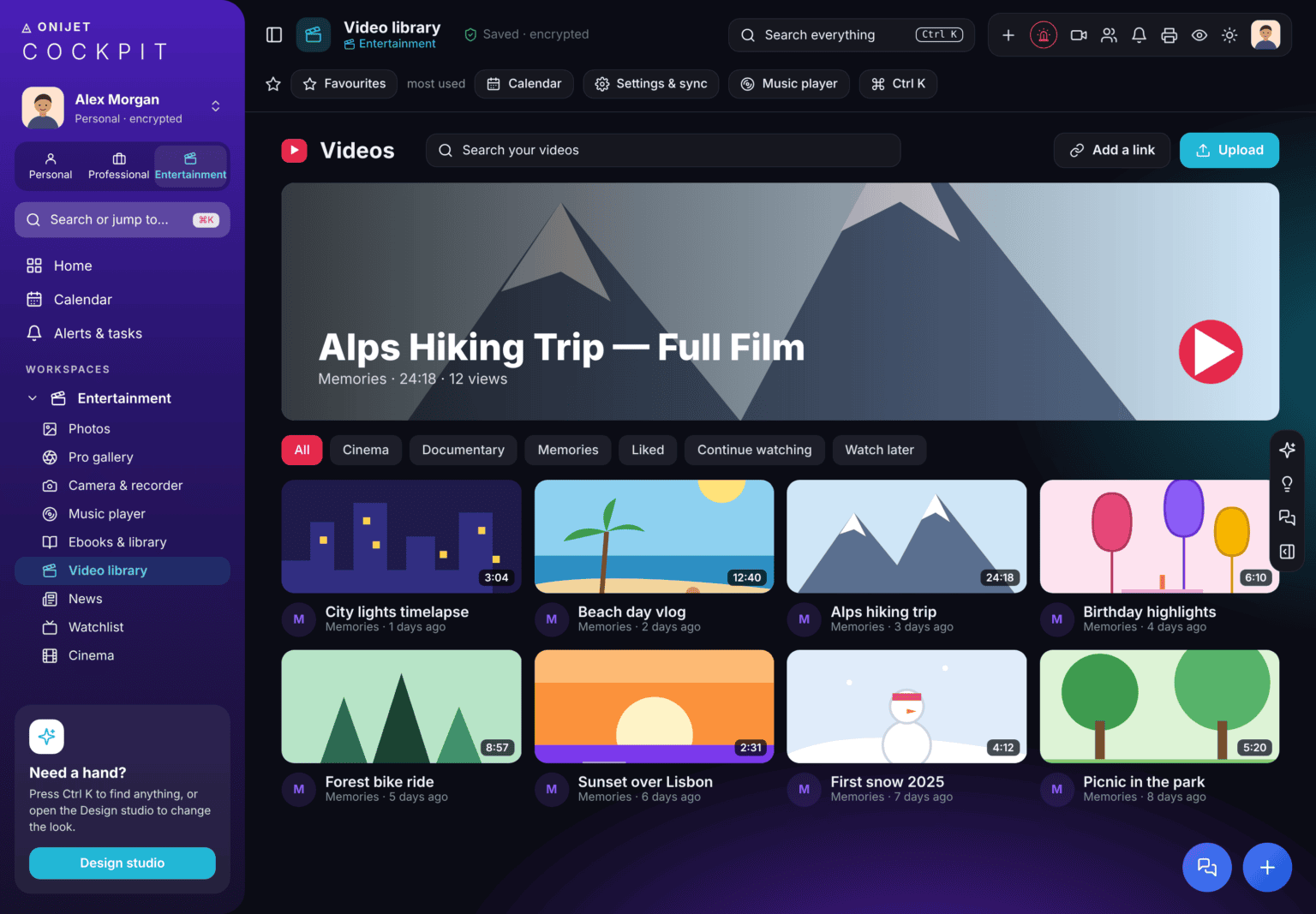
Cockpit has its own music player, video library, ebook reader and photo gallery, so your media lives next to your life rather than in five other apps.
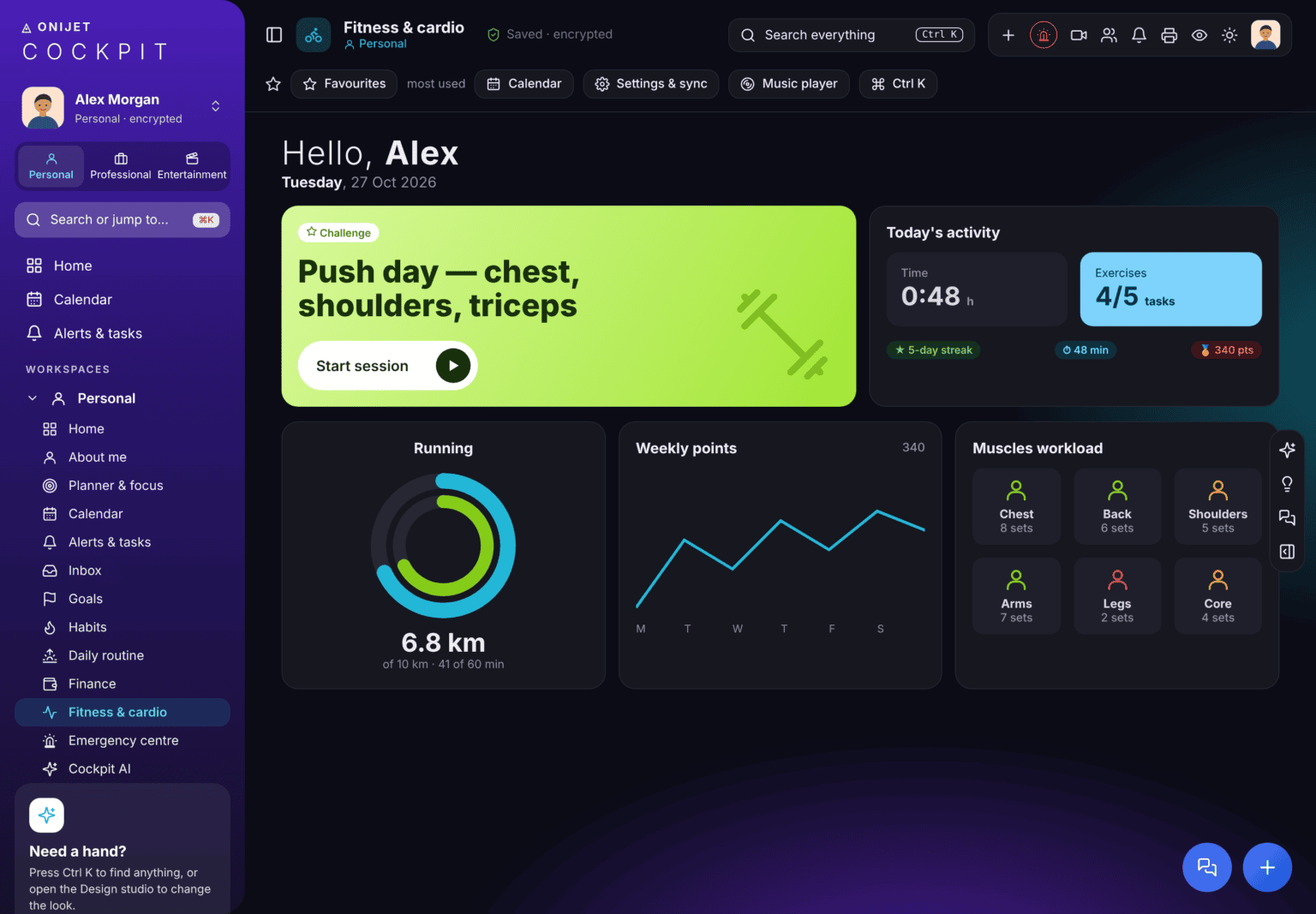
Start a session in one tap, follow running goals, and see which muscles you’ve worked this week.
Everything you save in Cockpit is stored encrypted, and you can lock individual sections like finance or cases. Open it on any device and pick up where you left off.
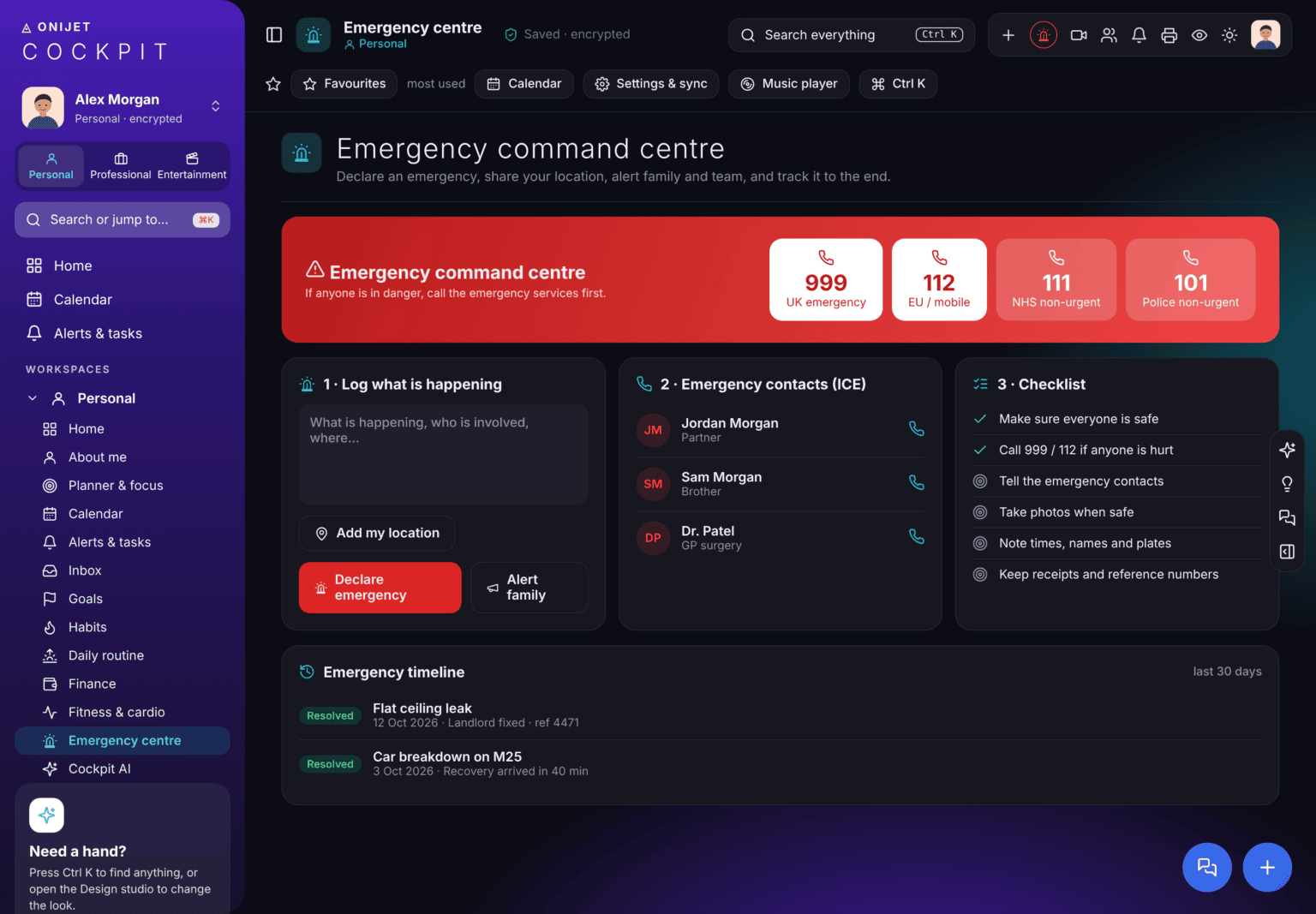
Open Cockpit and explore every workspace.


